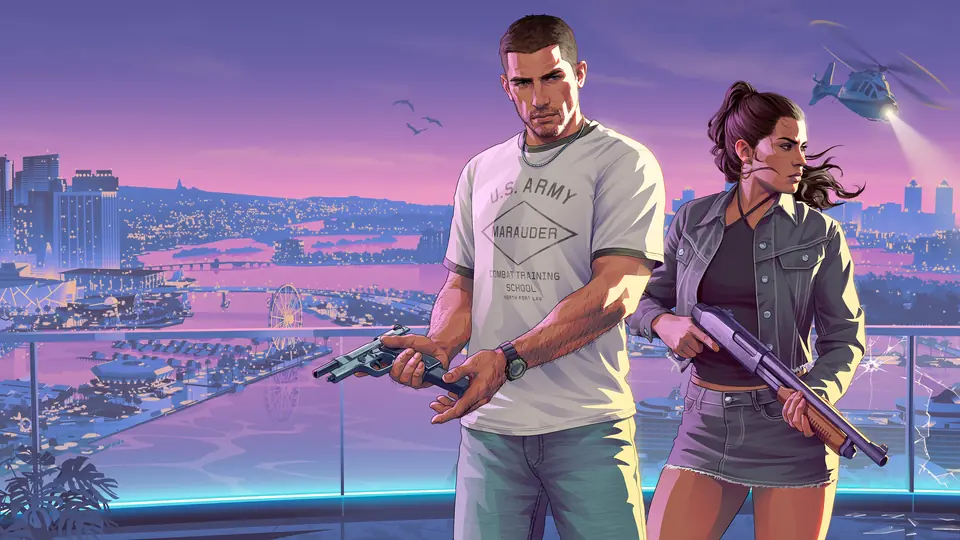
A Reddit player compiles hidden on-foot controls for GTA 6 on PS5
A player on r/GTA6 posted a list of the 'hidden' PS5 control features that other players shared on the subreddit. The list says you hold L3 to rest on railings or ledges, and hold Circle to lean on cars, walls or docks. It also says that while you smoke, you hold R2 to flick the cigarette forward, and that D-Pad Left moves a carried item to the other hand.
To get a first-person inspect and zoom view while unarmed, the post says you hold L2 and click R3, then hold R2 to zoom. These controls come from players, not from Rockstar, so treat them as unconfirmed.
Key points
- Rest on railings or ledges: hold L3.
- Lean on cars, walls or docks: hold Circle.
- Swap a carried item to the other hand: D-Pad Left.
- Inspect and zoom view: hold L2 and click R3, then hold R2 to zoom.
- To listen to the radio on foot, equip earbuds or headphones from your inventory.
On-Foot: Rest on railings/ledges: Hold L3 Lean on cars/walls/docks: Hold Circle Flick a lit cigarette: While smoking, hold R2 to flick the cigarette straight forward Flip someone off: While unarmed, hold L2 to focus on someone and press R1 Swap carried item to other hand: While holding an object, press D-Pad Left to switch it to your other hand First-person "inspect" & zoom view: While unarmed (or focusing on an NPC), hold L2 + click R3, hold R2 to zoom; click R3 again to exit) Listen to radio on foot: Buy earbuds or over-ear headphones, equip them from your inventory, and listen to rad
Resources
- Original source r/GTA6 · I just compiled/organized all of the “hidden” control features for PS5 that I’ve been seeing here, is there anything I missed?
- On the wiki GTA 6 hidden features and controls
- Same story A r/GTA6 player shares three easy-to-miss mechanics: two-car jacking, a vehicle options menu and auto-drive.
- Same story A player list collects 17 easy-to-miss GTA 6 controls, such as turn signals, leaving the engine running and auto-drive.
- Same story A player reports that animals you pick up and store in your truck can die there if you leave them.
- Same story Polygon finds that using the phone while driving in GTA 6 blocks your view and causes crashes.
- Same story Kotaku: GTA 6 lets you push flipped cars back over and sit down almost anywhere
- Same story Player tip: press attack and then exit to leave a GTA 6 car with the engine, lights and radio still on.