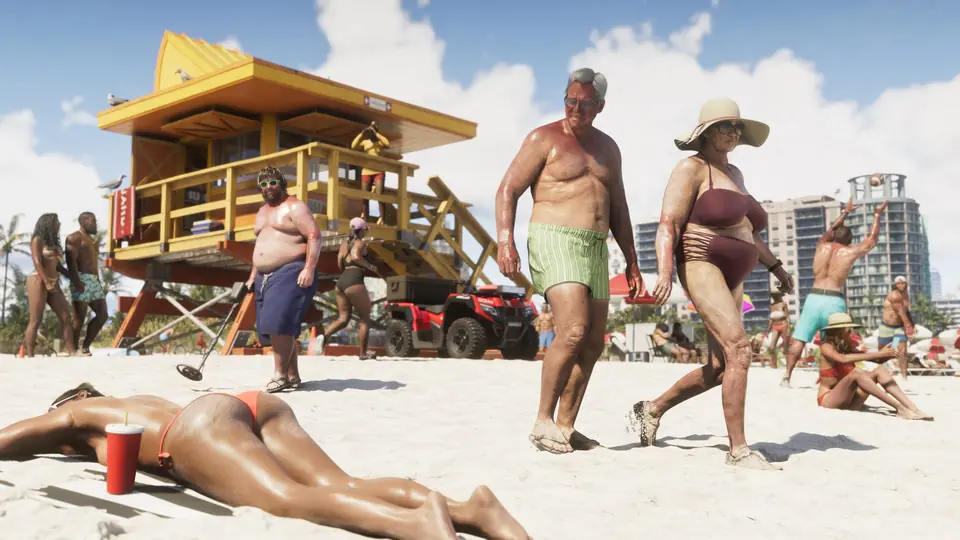
A player says turning off HDR10 in Xbox settings makes the GTA VI HDR calibration work properly.
A player on r/GTAVI says the in-game HDR calibration does not set white balance correctly while HDR10 is on in the Xbox system settings. Their fix is to turn HDR10 off in the Xbox settings, then calibrate in the GTA VI menu. They also report 1440p at 120 fps in a cinematic scene and 110 to 119 fps while moving, on their monitor.
They say they are not sure if a 30 fps cap is real. This is one player's report and is not confirmed by Rockstar.
Key points
- Tip: turn off HDR10 in Xbox settings before in-game HDR calibration
- Player reports 110 to 119 fps at 1440p while moving
- One player's report, not confirmed by Rockstar
If anyone is having any issues getting the lighting to your liking for GTA VI, try toggling off HDR10 on your Xbox settings. Without doing that, the GTA VI HDR calibration settings in the game menu won't work properly with the white balance. Monitor currently running 1440p at 120fps cinematic and 110-119 running around. Not sure if the 30 fps cap is true? Looks much better than 30 fps.
Resources
- Original source r/GTAVI · XBOX HDR10 TOGGLE OFF HELPS
- On the wiki GTA 6 best settings and control fixes
- Same story A base PS5 player says clearing the cache and turning off HDCP fixed GTA 6 stutters.
- Same story Player PSA: turn off the default 'Adaptive Speed Limiter' if GTA 6 cars feel capped at low speed.
- Same story Player tip: press attack and then exit to leave a GTA 6 car with the engine, lights and radio still on.
- Same story Players cannot turn off the yellow and red kill screen flash in GTA 6 settings, one player reports.
- Same story Early players say aiming feels off even after they change sensitivity and aim assist.