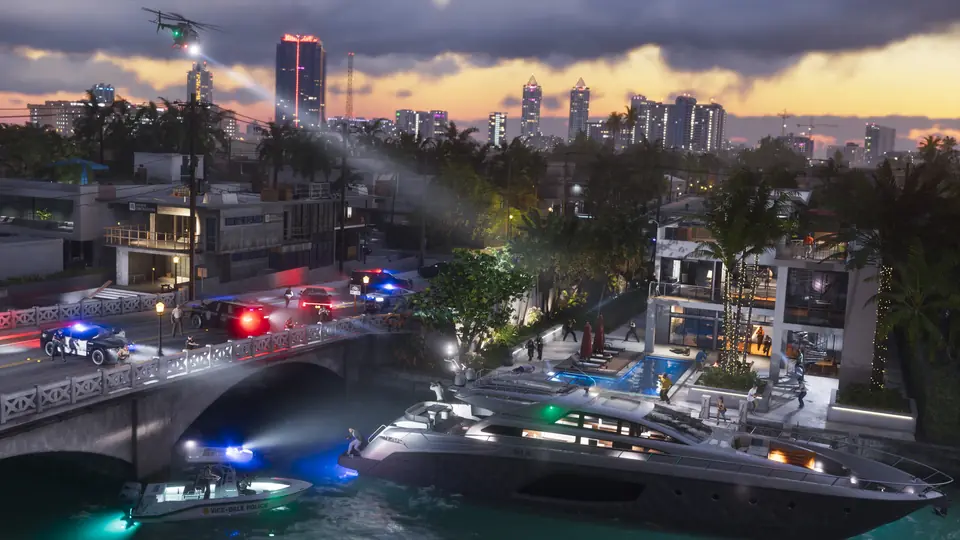
A Reddit player shares controller steps that turn on a working first-person camera in GTA 6.
A player on r/GTAVI posted a PSA with steps to get a first-person view in GTA 6, which launched without an official first-person mode. The post says you set the touchpad button to "camera" in the controller options, enter a car, take out the phone, and press touchpad and triangle. The player says the view works well for driving, but melee and some animations, such as hotwiring, still need work.
The post also says the camera option turns grey after this, so you must reload the game to go back. This is one player's report and we have not tested it; it matches an earlier YouTube video about a first-person glitch. This has not been confirmed by Rockstar Games or Take-Two.
Key points
- Set touchpad to camera in controller options
- Enter a car, open the phone, press touchpad + triangle
- Good for driving; melee and hotwiring look rough
- Reload the game to switch back
- Single player report, not tested
To do so you have to change the touchpad button in the controller options menu to "camera" After that enter a car, pull out your phone, and press touchpad + triangle. Here you go, full first person mode. Needs work for melee and animations like hotwiring, but surprisingly functional. Perfect for driving though, ridiculous it's not fully implemented yet. You have to reload your game to change back though since camera option is greyed out after that, and touchpad doesn't do anything. Enjoy!
Resources
- Original source r/GTAVI · PSA You can play GTA VI in first person right now
- On the wiki Does GTA 6 have first person?
- Same story A YouTube video with over 500,000 views shows a glitch that lets you play GTA 6 in first person.
- Same story TikTok clip claims N3on is the first streamer to finish GTA 6 story mode