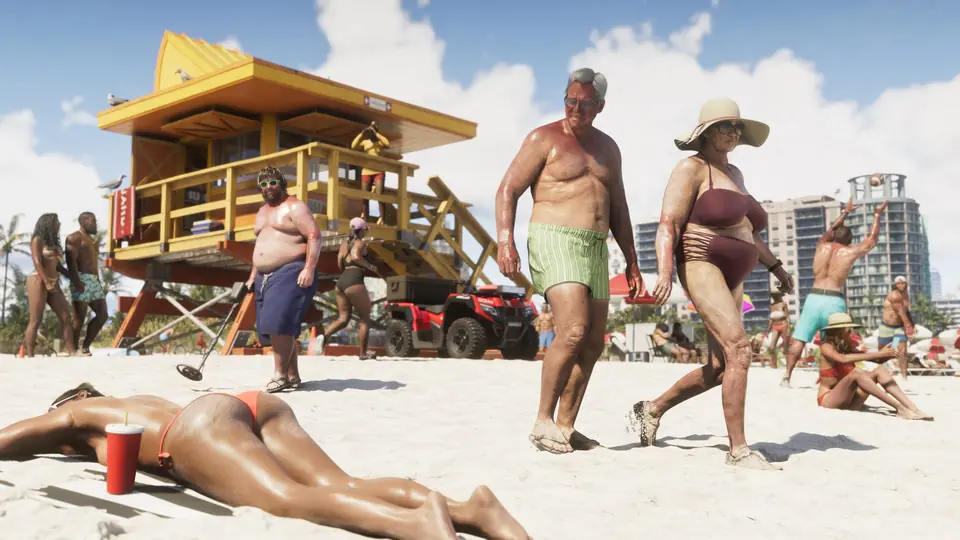
A player lists every GTA 6 photo mode setting, from aperture to custom lights.
A post on r/GTAVI lists the GTA 6 photo mode settings, pieced together from several videos posted on Nov 18; we have not checked each item in-game. It says photo mode opens from the pause menu and has Camera, Effects, Lighting and Overlays tabs. The list includes eight aspect ratios (16:9 to 9:16), camera roll up to 90 degrees, depth of field with aperture from f1.3 to f18 and focus from 0.44 m to 19.78 m, and a focus guide overlay.
It also lists up to 6 staging lights with intensity, beam angle, range and colour, plus 17 filters, vignette and colour isolation. The post adds that a simpler Snapmatic camera in the in-game phone has selfie, grid, zoom and the same 17 filters, and that some functions do not work during cutscenes. This has not been confirmed by Rockstar Games or Take-Two.
Key points
- Opens from the pause menu; tabs: Camera, Effects, Lighting, Overlays
- 8 aspect ratios; aperture f1.3 to f18; roll up to 90 degrees
- Up to 6 staging lights with colour and range
- 17 filters, also in the phone's Snapmatic
- Community list, not yet checked by us
Launch from pause menu. PHOTO MODE FUNCTIONS Zoom Move - pan, orbit, crane camera (or light if in Lighting tab) Angle Hide UI - if you want to use the console's photo capture Reset camera - back to initial starting point/config Restore default Save photo - using in-game photo capture Back - exit photo mode CAMERA Camera speed - adjustable camera movement speed Grid - thirds composition overlay Roll - rotate camera up to 90 degrees either direction Aspect ratio - 16:9, 1.85:1, 2:1, 2.35:1, 4:3, 1:1, 4:5, 9:16 Field of View - max wide shot of 49.6 degrees Depth of Field - adds focal plane Aperture (when DoF enabled) - adjust depth of focal plane from f1.3 to f18 (dozens of stops) Focus distance - adjust focal plane distance from 0.44m to 19.78m Focus Guide - adds overlay visualizing focus…
Resources
- Original source r/GTAVI · Photo mode functions in GTA 6
- On the wiki Tips & Guides