Latest find · News & Launch
Kotaku lists the GTA 6 accessibility options, which do not disable trophies or saves
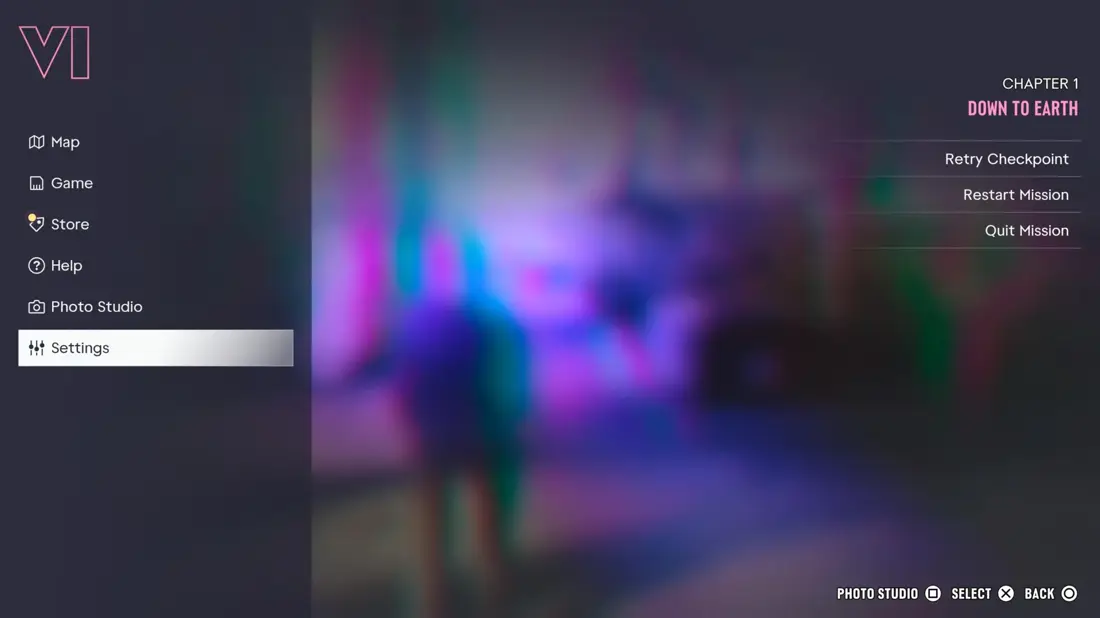
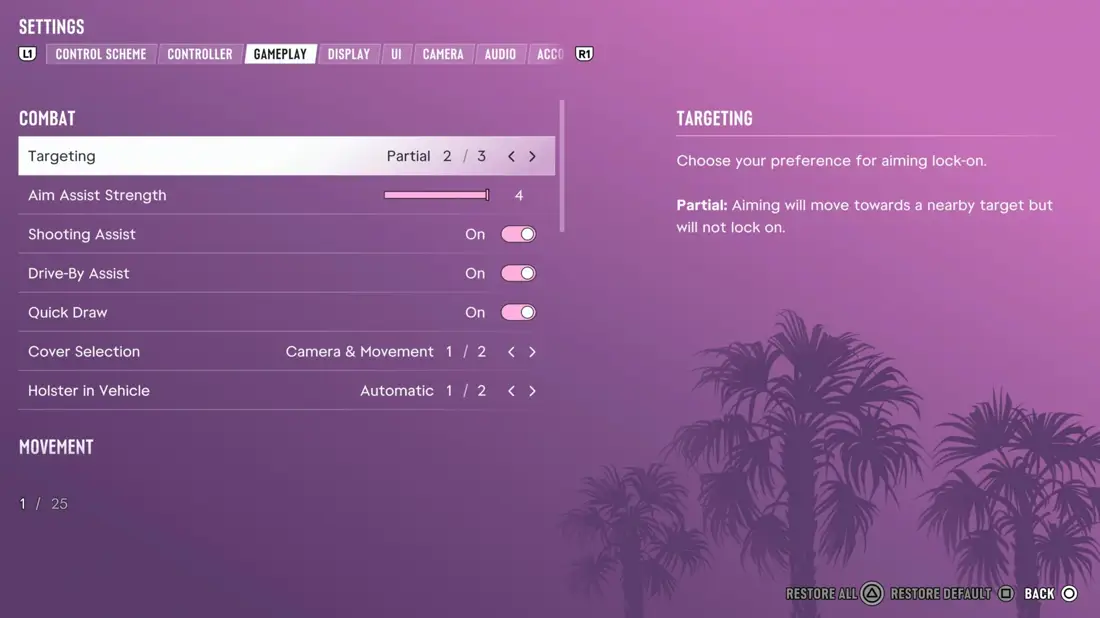
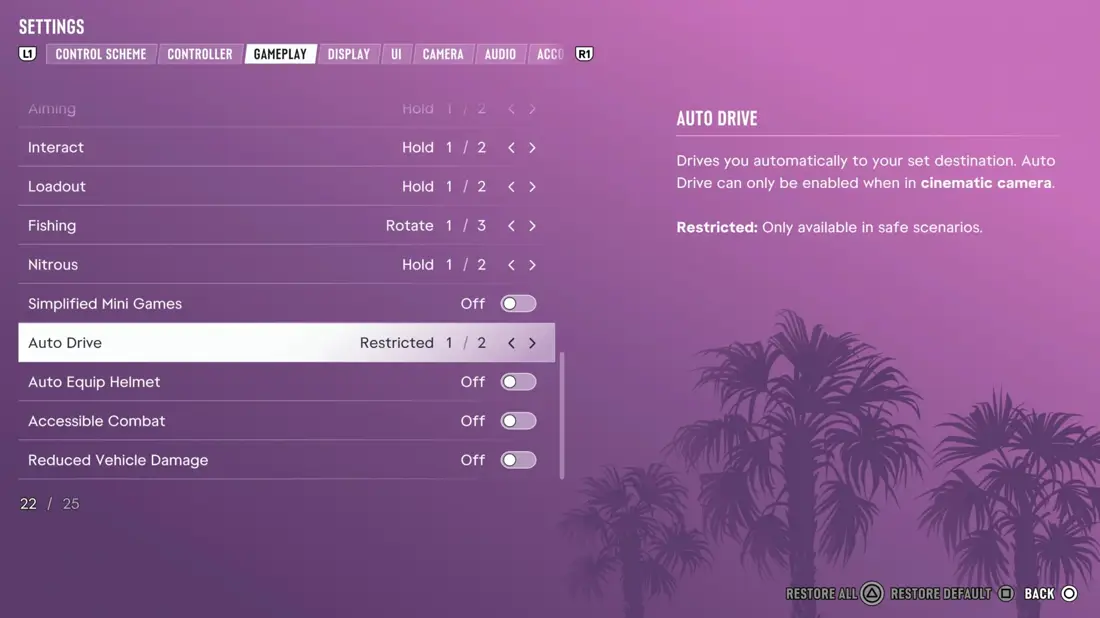
Kotaku published a guide to the accessibility options in GTA 6 on November 20, 2026. You find them in the pause menu under Settings, in the Gameplay tab, at the bottom under Accessibility. The main options are Simplified Mini Games, Auto Drive, Accessible Combat and Reduced Vehicle Damage.
Kotaku says these options do not disable trophies or achievements and do not stop you from saving. The game warns that Accessible Combat and Reduced Vehicle Damage make the game much easier, and that Auto Drive can still crash.
Key points
- Path: Pause menu > Settings > Gameplay > Accessibility.
- Simplified Mini Games makes exercise, hotwiring and basketball less dependent on timing.
- Auto Drive has an Unrestricted mode that also works during chases.
- Accessible Combat lowers enemy health and the damage you take.
- Trophies, achievements and saves stay on, per Kotaku.