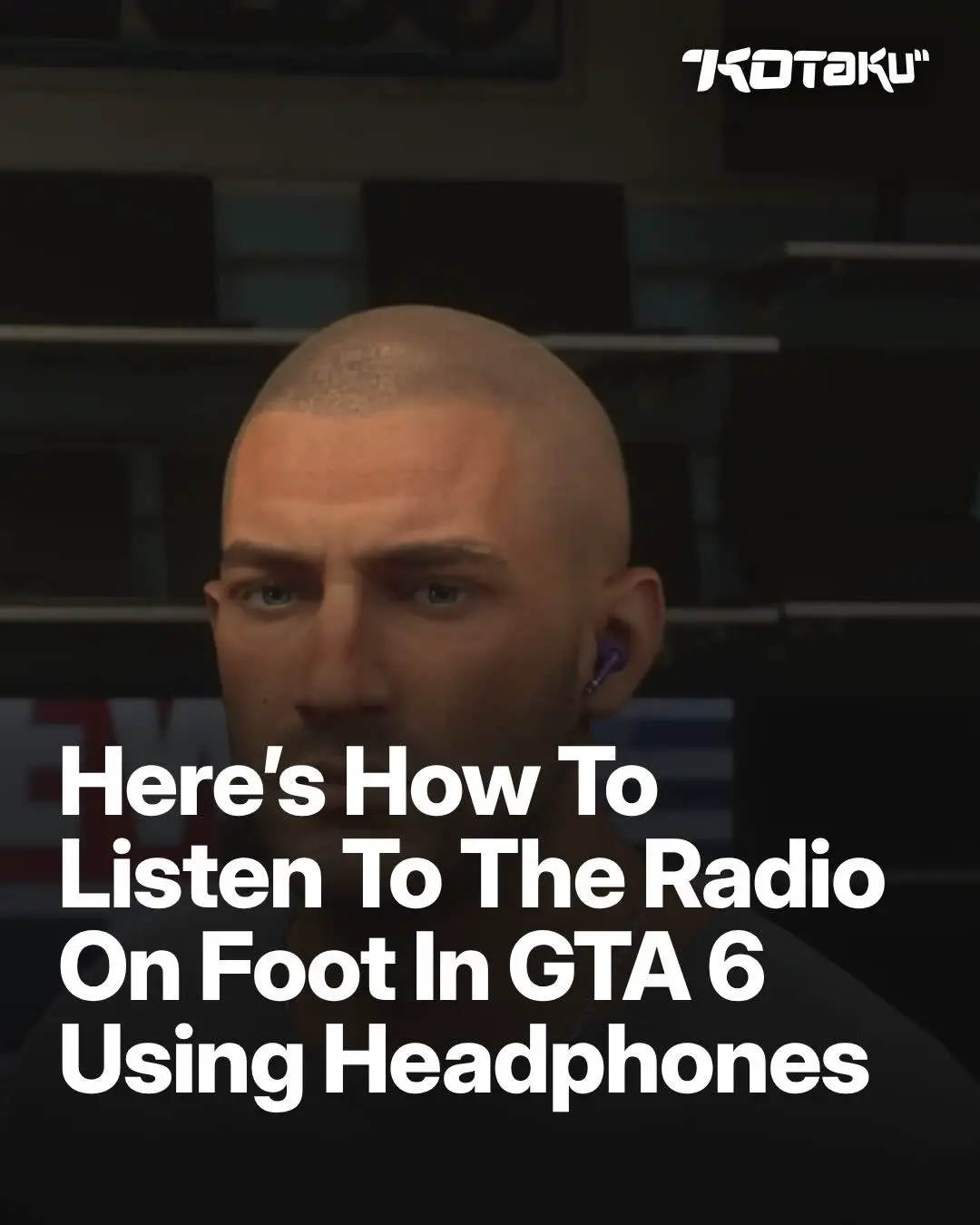
Kotaku: buy earbuds at stores with a headphone icon to play the radio on foot
1,153 views on the source post
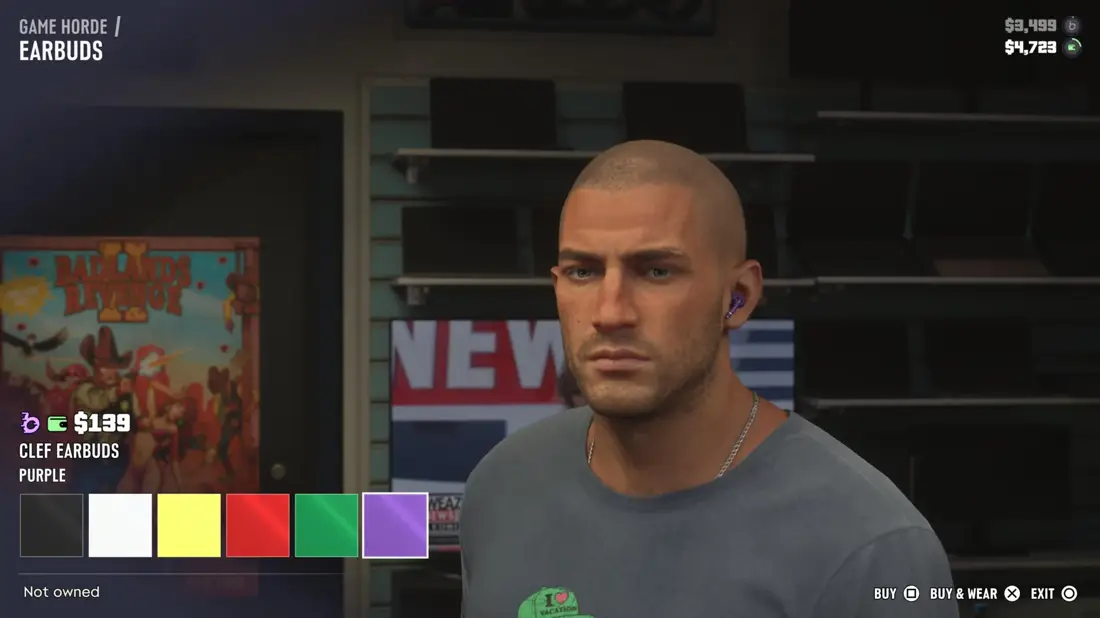
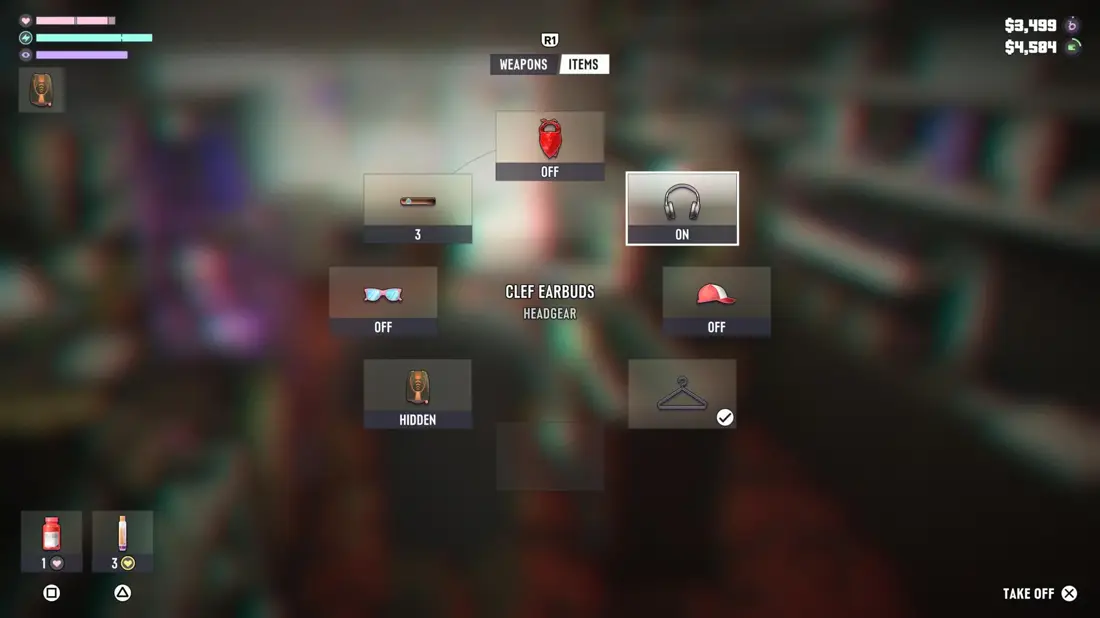
Kotaku's Zack Zwiezen explains that Jason and Lucia can buy earbuds and listen to radio stations while on foot. Any store with a headphone symbol sells them; Kotaku used Game Horde and picked from several colors. You equip them like a hat or mask: hold L1/LB, press R1/RB for the item menu, highlight the headphones with the right stick and press X/A.

Then press Left on the D-pad to change stations as in a car, and double-tap Left to turn the music on or off.
Key points
- Sold at any store with a headphone icon (Kotaku used Game Horde)
- Several colors; barely visible on the character
- Equip: hold L1/LB, R1/RB, right stick, X/A
- D-pad Left changes stations; double-tap Left toggles music