Instagram creator zemie_tv shares 5 GTA 6 driving and map tips, including a manual-save trick to retry a timed job.
Instagram creator @zemie_tv posted a reel with 5 GTA 6 tips; it had about 2,164 likes and 26,000 views when we scanned it. In the machine-made transcript, the creator says a double tap of Triangle or Y gets you out of a car with the engine still on, which helps you leave fast after a robbery. They say a manual save before you start a job lets you load it and try again, instead of waiting about eight hours for the job to come back on the map.
They also say dark blue buildings on the map can be entered and light blue ones cannot. Holding down on the D-pad and pressing Options turns on cinematic mode, where holding Circle auto-drives, and holding left on the D-pad plus the right stick opens a car menu for lights, windows, engine, underglow and trunk.
Key points
Double tap Triangle/Y to exit with the engine running
Manual save before a job lets you retry it without the wait
Dark blue map buildings can be entered
Cinematic mode plus holding Circle auto-drives
D-pad left opens radio and a car options menu
Instagram1:37
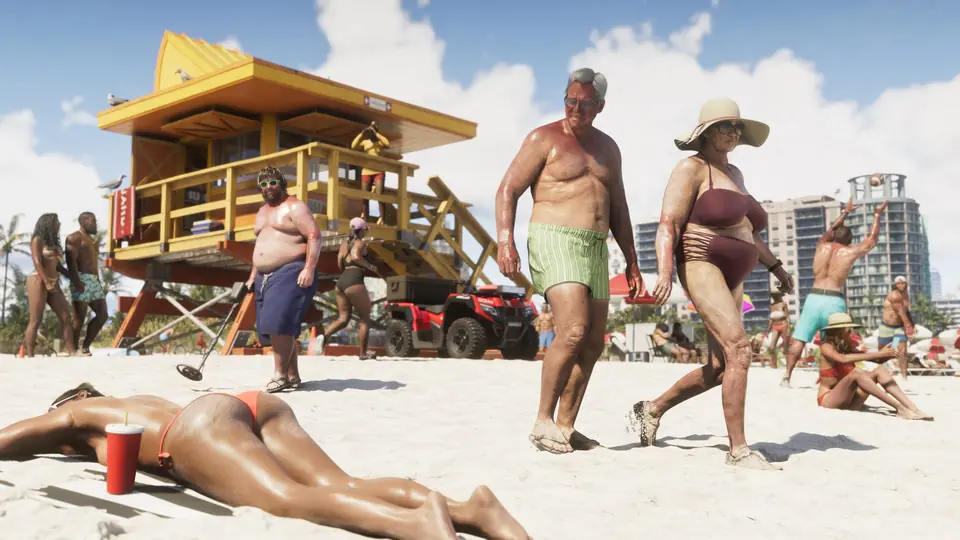
Image: video still, zemie_tv on Instagram
Read transcriptHide transcript
[0:00] Five things in GTA 6 you probably didn't.
[0:03] Number one, any time you're in a car you can double tap triangle or Y and you'll get out
[0:07] of the car but your car will stay on the engine is still the engine is still on.
[0:11] This is of really good when you're doing robbery so you can just get back in your car right
[0:14] away and instead of having to turn on, you can just drive right off.
[0:19] Number two, If you're a man,
[0:20] If you're a man,
[0:21] If you're a man,
[0:22] If you're a man,
[0:23] If you're a man,
[0:30] So what you can do is go ahead and do a manual save of the game before you start the mission.
[0:32] And then now I have to have a manual save I can jump in and I can steal I can steal this
[0:37] car.
[0:38] And if you wanted to restart instead of waiting for eight hours, you just go ahead and load
[0:41] that manual save you just did.
[0:43] The mission will be available on the map once again.
[0:46] Number three, When you look at the map you'll see some buildings are a darker
[0:49] blue and some of them are a lighter blue.
[0:52] If you see a dark blue building that means you can go inside of that building and the
[0:56] lighter blue means
[0:56] means that you cannot go inside of the building.
[0:59] Number four, Anytime you're driving if you hold down on the D-pad and press options,
[1:03] you'll go into cinematic mode.
[1:05] And while you're in cinematic mode, if you hold circle, you'll be auto driving.
[1:09] This helps you get to your destination without crashing.
[1:12] And if you're in the middle of a mission, you can hear the dialogue better.
[1:15] Number five, When you're driving,
[1:17] If you hold down the left D-pad, you have your different radio stations.
[1:22] Up with the right joystick.
[1:23] Now you have a whole menu for different car options like turning on and off your headlights,
[1:27] rolling down your windows, turning on and off your engine, your underglow, your trunk.
[1:31] And it gives you full control over your car.
[1:34] If this was helpful, make sure to follow for more GTA 6 content.