Unconfirmed
IGN reports PS5 cache-clear workaround for GTA 6 weather after patch
13 likes · 7,953 views on the source post
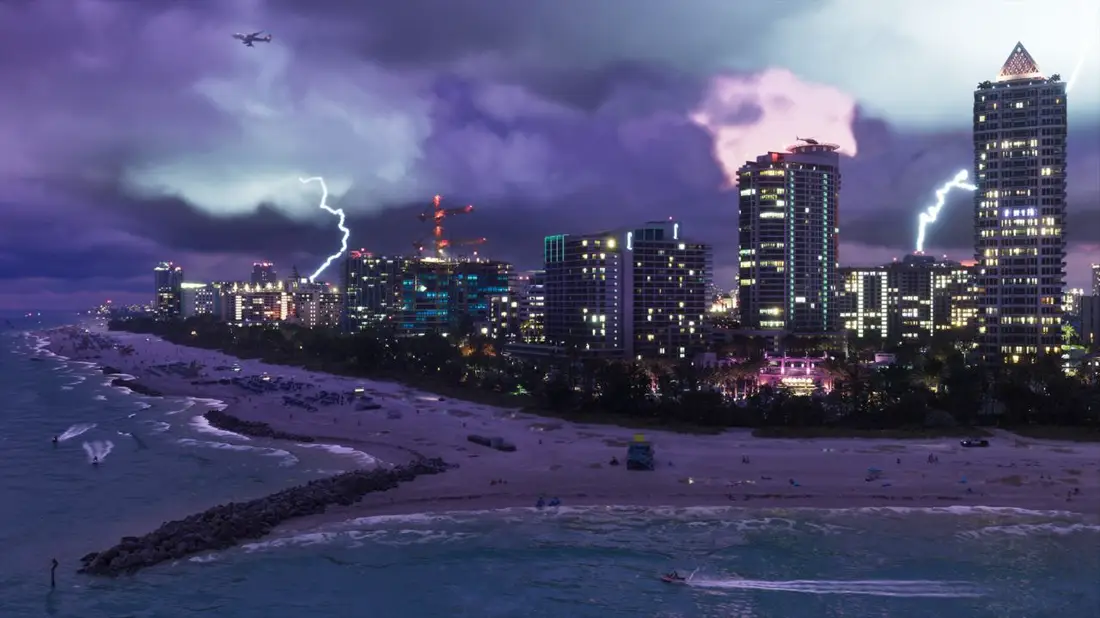
IGN reports that Rockstar's first post-launch patch fixed most of the weather variety problem in GTA 6, but some players still see little change. IGN says PS5 players share a workaround that X user @mauricioce85796 found: boot the console into Safe Mode and choose Clear System Cache. Players in the replies say rain and storms then appeared, but IGN notes that it could be a placebo, so treat it as unconfirmed.

IGN also quotes Rockstar's Owen Shepherd, who says the weather pattern changes per chapter and grows more stormy in later chapters. Clearing the PS5 system cache does not delete games or saves, according to IGN.
Key points
- First patch fixed most weather variety issues, per IGN
- PS5 workaround: Safe Mode, then Clear System Cache (unconfirmed)
- Rockstar says weather grows more stormy in later chapters
- Cache clear does not delete saves or games
Resources
Related finds
Other finds on the wiki about the same thing. Spoiler-tagged finds are never listed.
- Performance & Tech · Nov 26Players say clearing the console cache brings back the patched GTA 6 weather on PS5 and Xbox
- Latest · Nov 23GameSpot: GTA 6's HDR calibration is broken, and settings tweaks can fix it
- Performance & Tech · Nov 21Unconfirmed: GTA 6 weather may change by story chapter, says a quoted Eurogamer Poland interview
- Tips & Guides · Nov 20A player shares the settings they use to make GTA 6 feel more responsive on a base PS5.