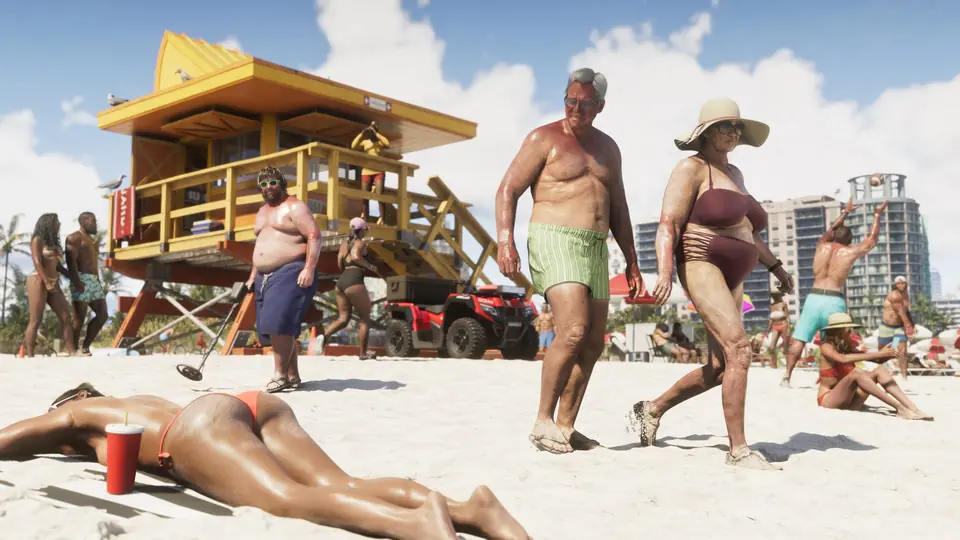
Latest find · Tips & Guides
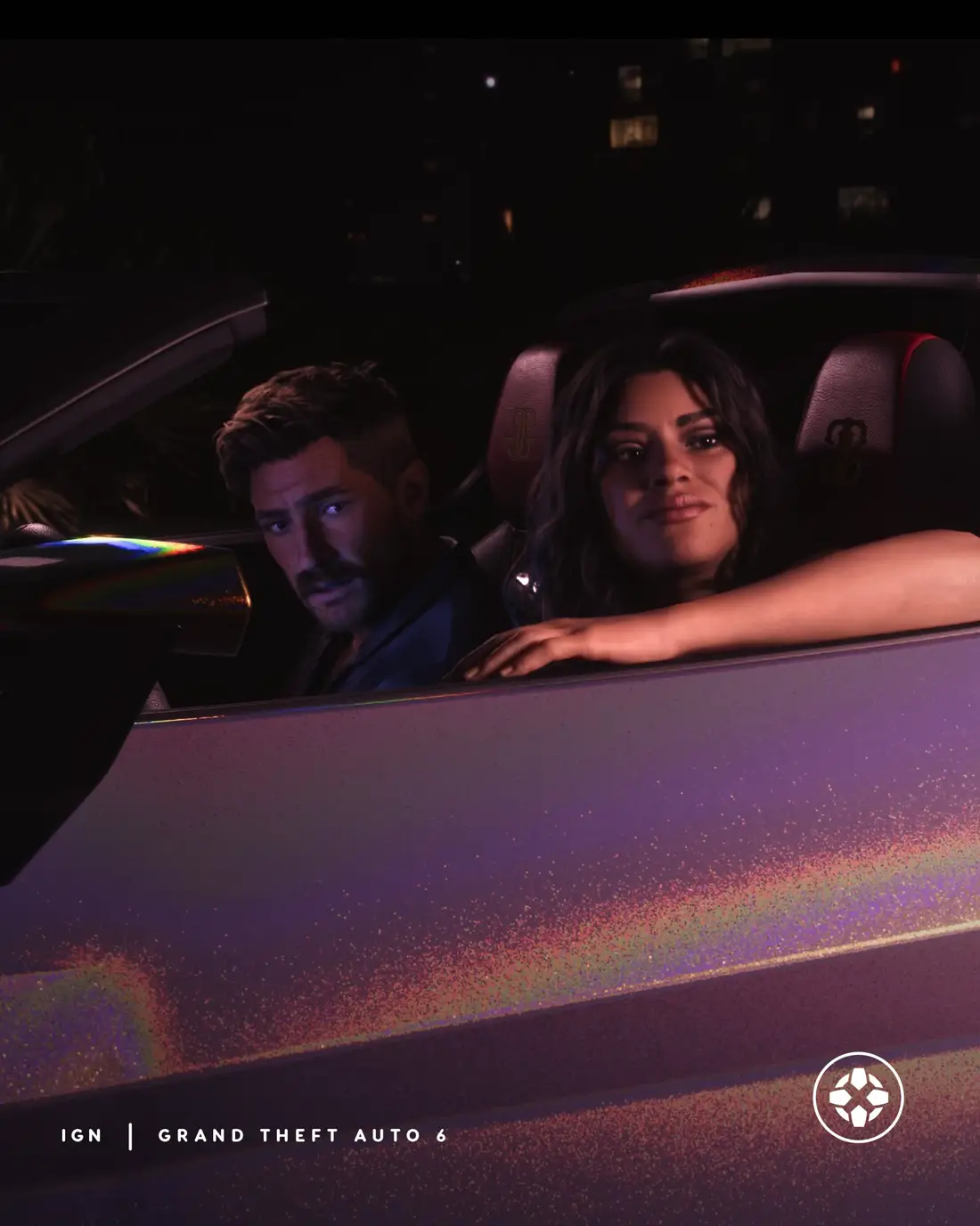
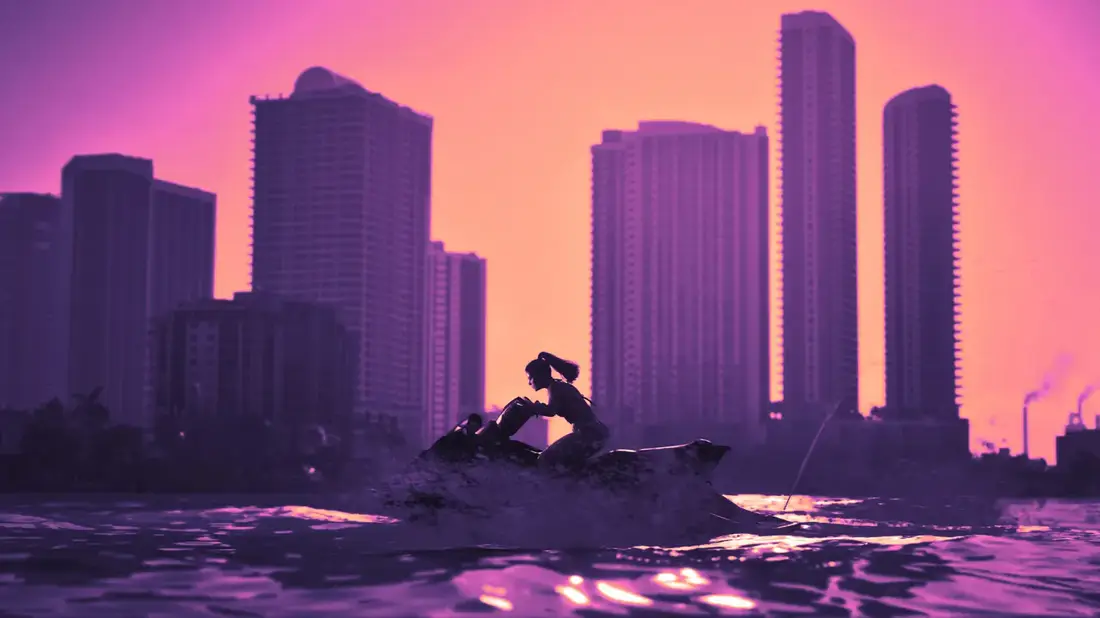
IGN: GTA 6 has a full photo mode at launch.
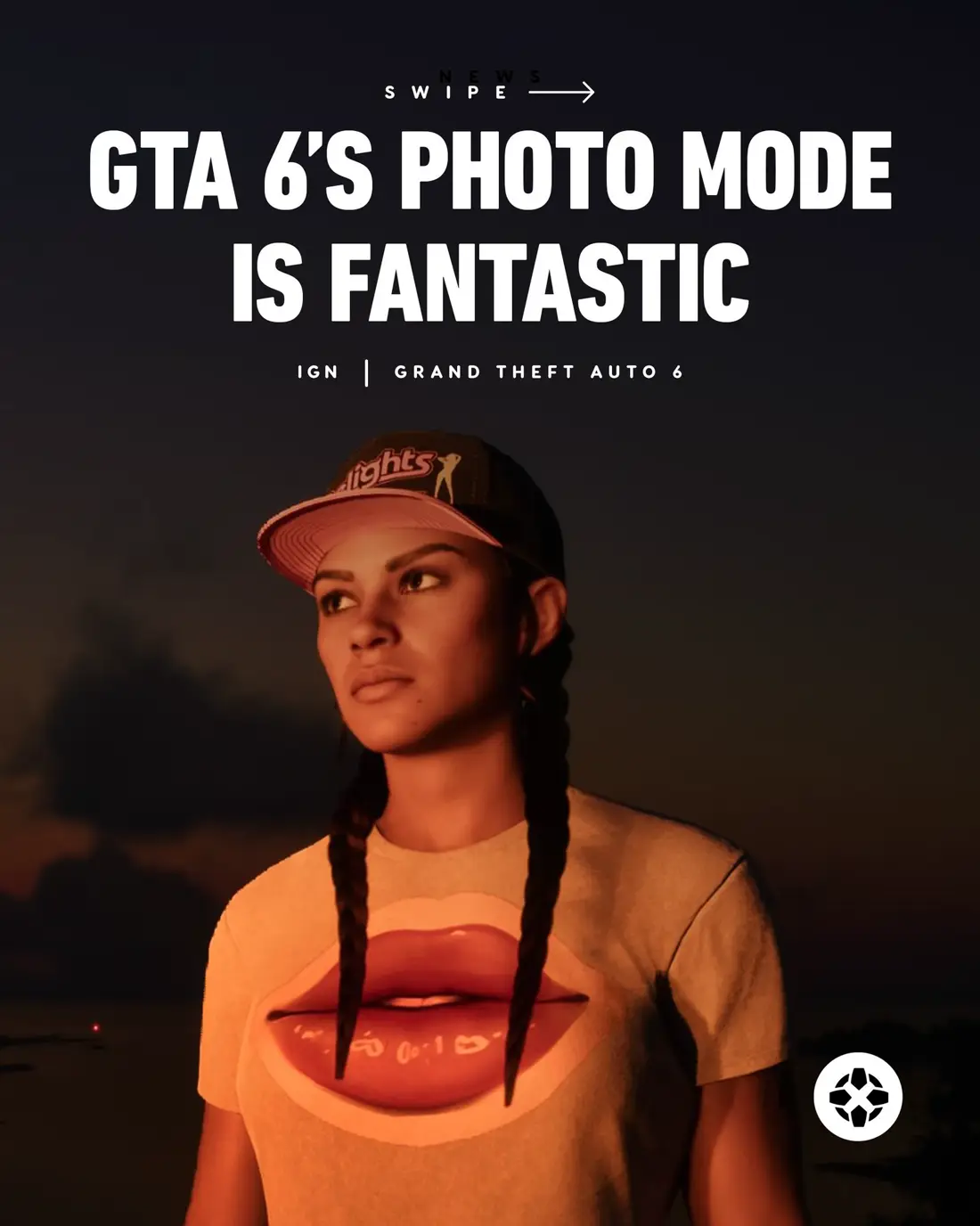
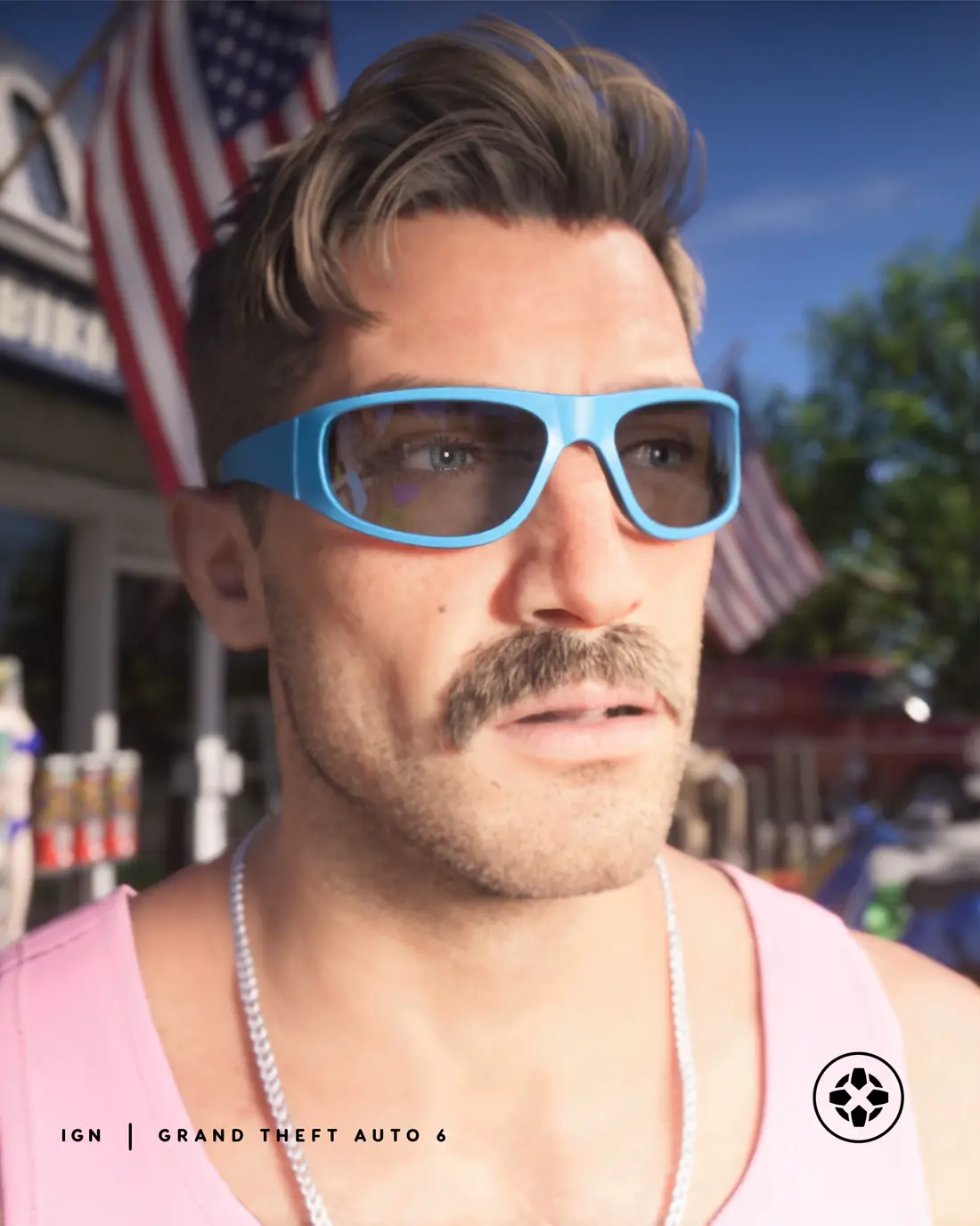
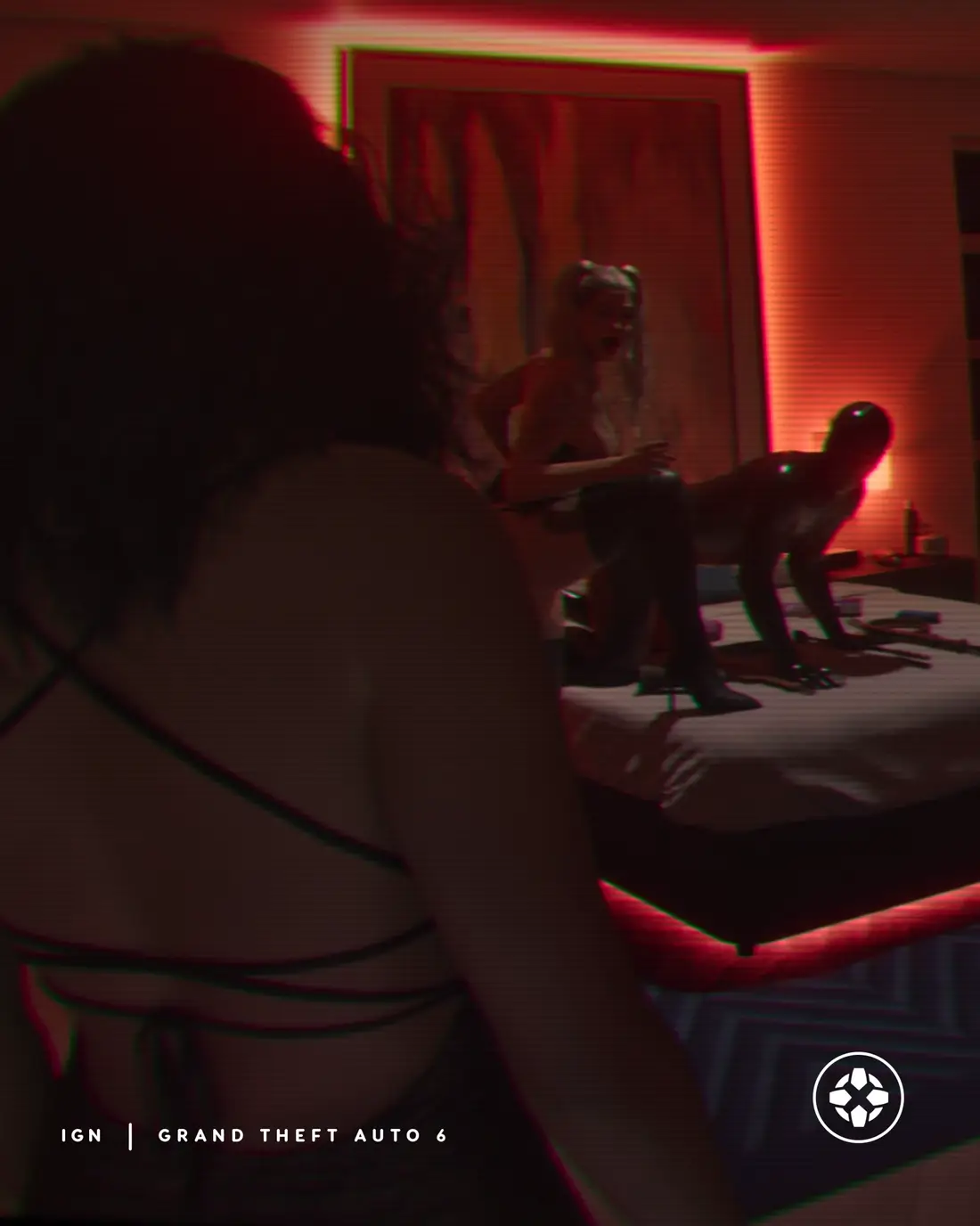
IGN confirms GTA 6 has a full photo mode at launch. You open it from the pause menu with the Square button on PS5 or the X button on Xbox. The camera has aspect ratios, aperture and depth of field settings.
You can also add lights such as spotlights, floodlights and softboxes, and use filters and other post-processing tools. IGN's one wish is a way to pose Jason and Lucia and change their facial expressions, which the mode does not have.
Key points
- Open it from the pause menu: Square (PS5) or X (Xbox)
- Camera settings: aspect ratio, aperture, depth of field
- Add-in lights and filters
- You cannot pose the characters or change their faces
Resources
- Original source @IGN · GTA 6 is a gorgeous-looking game, so naturally, you’ll feel the urge to pause regularly to take it all in. Thankfully, Rockstar knows this…
- Linked article IGN: GTA 6 Photo Mode Included At Launch, And It’s Fantastic - Check Out What You Can Do With… ↗
- On the wiki Launch-day questions people are asking
- Same story IGN confirms GTA 6 has a full photo mode at launch.
- Same story IGN: you cannot replay story missions in GTA 6.